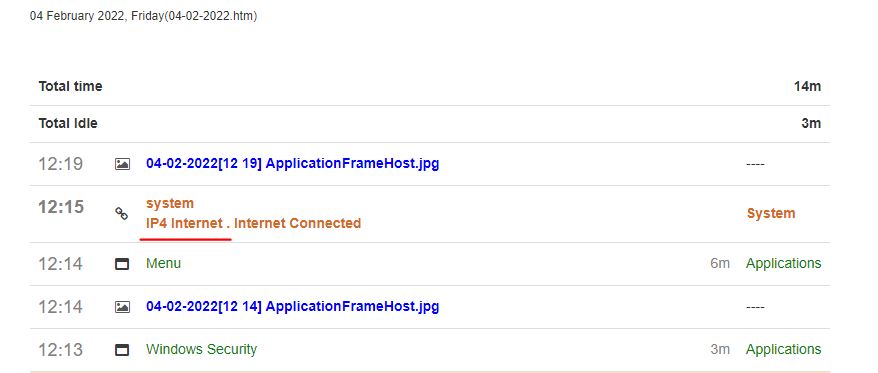
StaffCounter for Windows can record internet connection and protects itself from the Windows Defender
The new version from version 1 February 2022 can record Internet connection status. When the connection appears it informs you in the log file.

The new version from version 1 February 2022 can record Internet connection status. When the connection appears it informs you in the log file.
 Today, after several months of testing, we are migrating version 2.0.2 for Linux from beta to production. It is now recommended for installation as the stable release for Ubuntu and Mint 20.
Download the latest StaffCounter for Linux >>
What’s in the new version:
Continue reading article
 Today we are announcing the release of a new version (1.8.35) of the StaffCounter agent with data encryption. It is already available on the download page.
Download the latest StaffCounter for MAC >>
What’s in the new version:
Continue reading article
 Today StaffCounter is the first solution in the world that offers End-2-End Encryption (E2EE). All of the data captured from employee’s computers will be encrypted and decrypted only for the account owner. Since this update, we hope to start an innovation for the entire industry of computer surveillance. The employee’s productivity data captured from end-point devices will be encrypted before transfer to our cloud service. The main difference with SSL encryption is that data is still kept encrypted when it reaches StaffCounter cloud storage and further, it is kept encrypted even in all types of running instances of the database, execution contexts, and processing algorithms within our cloud servers. When you login into your account the data is delivered to the web browser in initial encrypted form and being decrypted on-the-fly right on the Web Browser page by using the Java-Script program and encryption features of the browser. This feature allows adhering to GDPR compliance by design. Here we explain how to update or install new StaffCounter agent software and set up the E2EE encryption feature.
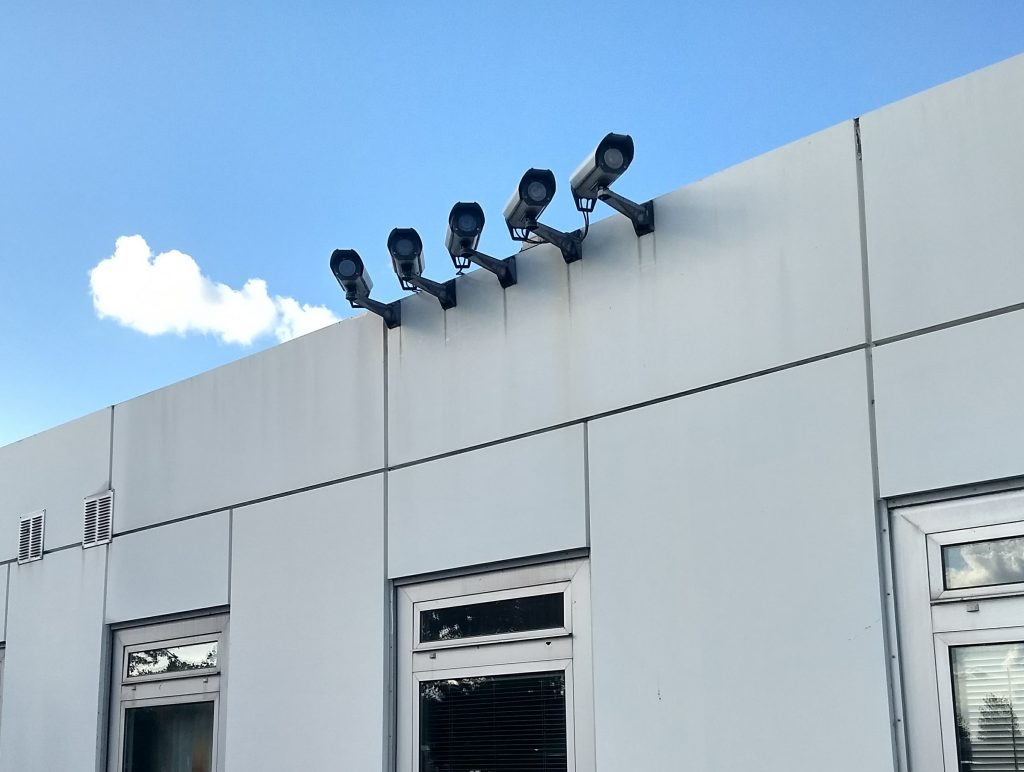 COVID-19 pandemic has greatly shifted the Digital Surveillance economy due to human isolation, distance education, and remote work.
 Today, July 24, 2019, we have updated the program for time tracking StaffCounter Agent for macOS.
 The updated StaffCounter Agent for Windows now better supports Windows Active Directory networks.
When connecting one employee’s domain account, even from different workstations, the StaffCounter program will always export the employee’s activity log to a single Dashboard entry on data.staffcounter.net. As if the employee worked on the same device. Thus, now it does not matter on which workstation the employee is working within the corporate network. It is important that he works and benefits the company.
The manager will be able to get accurate analytics of the work of each employee even if he already uses Windows Active Directory in his office, company, enterprise, etc.
Try our program with support for Windows Active Directory