How to delete a virtual device from my dashboard and reduce the subscription
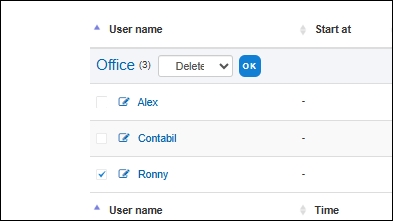
On the Dashboard page, select the checkbox next to the device you want to delete.
At the department level, you will see a list of available commands.
Please choose the Delete command.
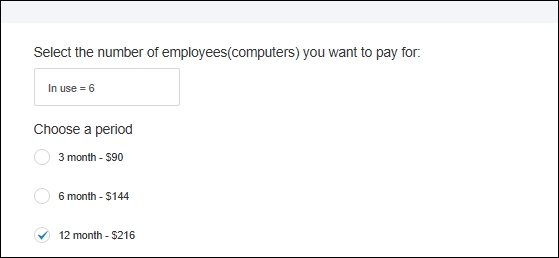
 When renewing your subscription, in the Number of Devices field, select the “In Use” option.