
Connecting the StaffCounter agent for Linux to a local server
1. Preparation
Download and extract the distribution package.
Edit the configuration file:
- Open /files/staffcounter.conf
- Locate the section [network]
- Uncomment the line
urland specify the local address of your StaffCounter server
[network]
url=http://192.168.1.50:80/upload-v2/
2. First launch
After installation, launch the StaffCounter agent.
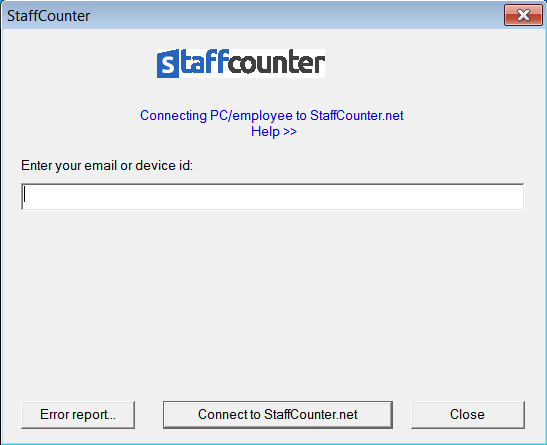
At the first launch, the program will prompt you to connect to the server.
3. Manager accounts
By default, the server already contains several manager accounts:
- manager@mail.com
- admin@mail.com
- company@mail.com
You can view the list of existing manager accounts on the Members page in the administrative panel.
Creating new manager accounts is possible only through the administrative panel.
4. Connecting the agent
In the first window of the StaffCounter agent:
- Enter the email address of a manager
- Click Connect to StaffCounter.net
After this, a new virtual device will appear in the manager’s workspace.
