
How to configure monitoring settings on the server?
- Log in to your account on the StaffCounter service. The dashboard displays all users added by installing StaffCounter on their computers.
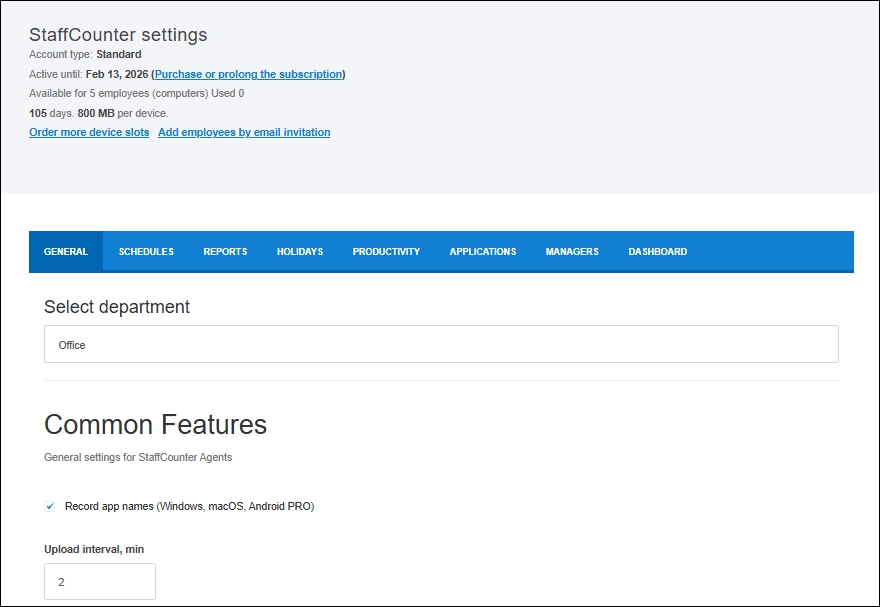
- On the Settings page, specify which data should be collected: screenshots, webcam photos, typed text, files, Skype chat, or Internet activity.
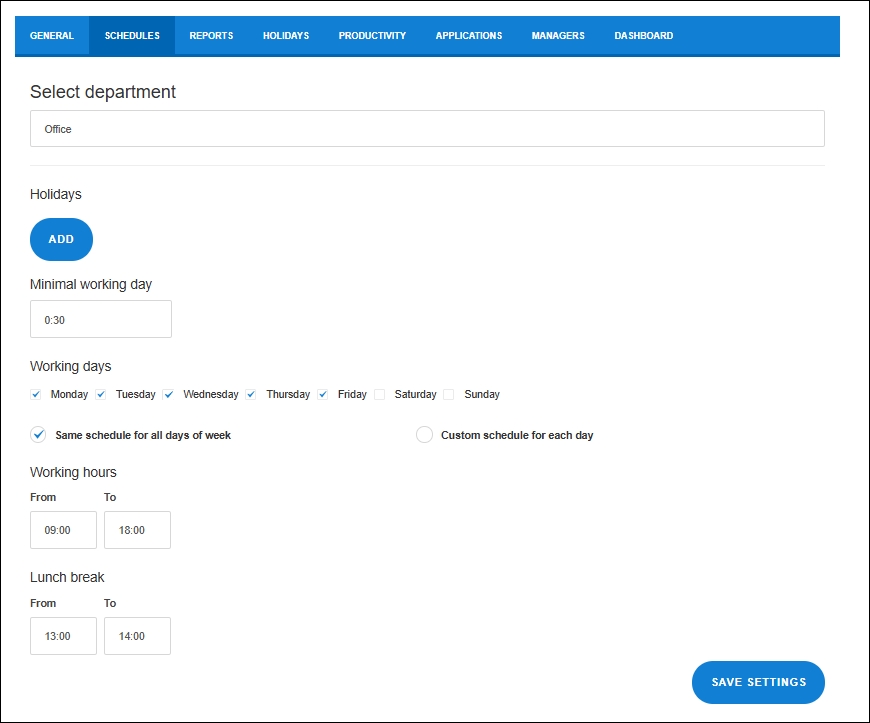
On the Schedules tab, you can set the start and end of the workday, lunch breaks, and the minimum duration required for the day to be counted in the attendance log.
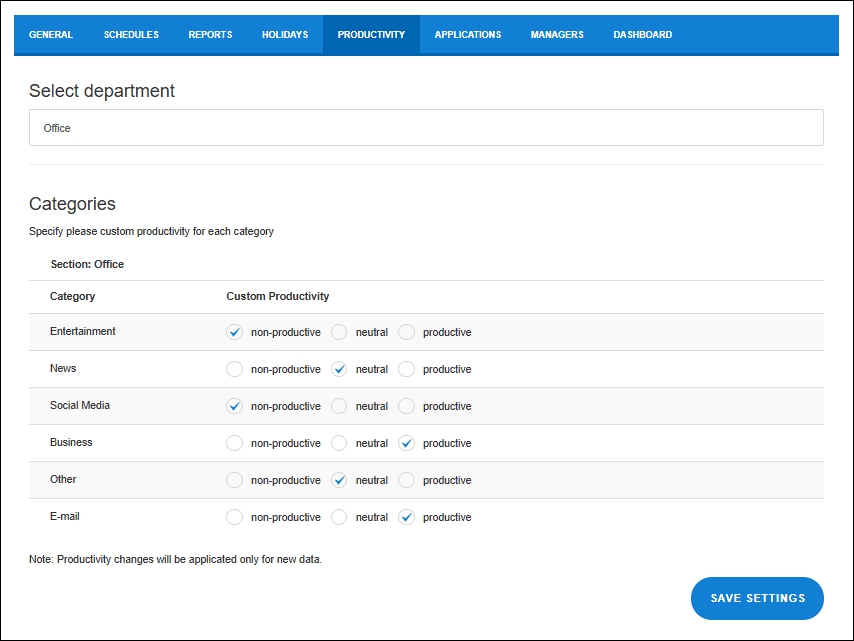
On the Productivity tab, you can adjust the productivity level for each category of applications and websites.
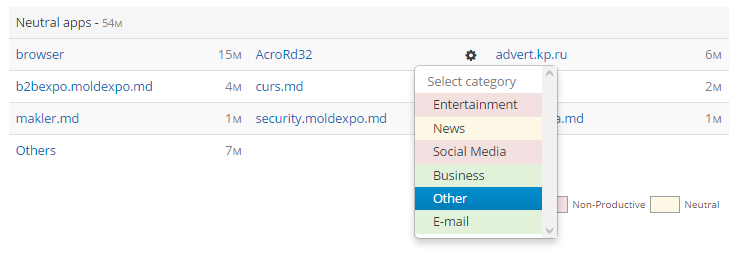
 Now open the time report for a device and assign a category to each type of employee activity.
StaffCounter helps you understand what drives the behavior of your key employees.
