Managing application productivity in StaffCounter local server
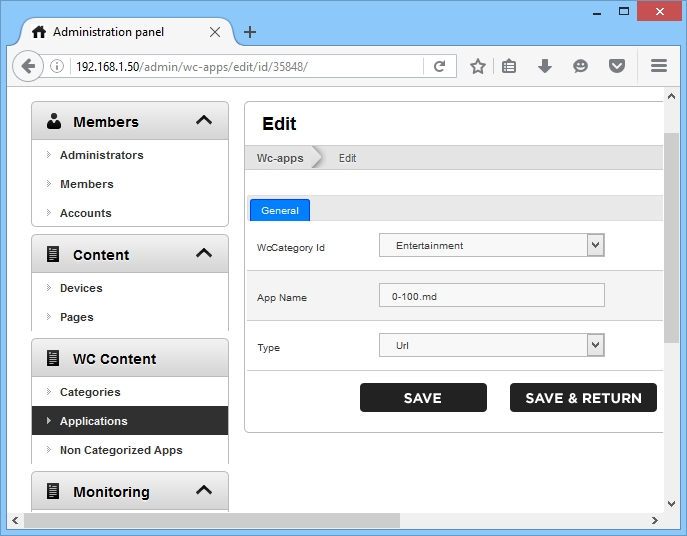
In the Applications section, you can assign a default category to applications. Select the required application and click Edit. Then specify the name and category for the program or web address.
You can also move applications to another category (using the Edit command) or delete them.
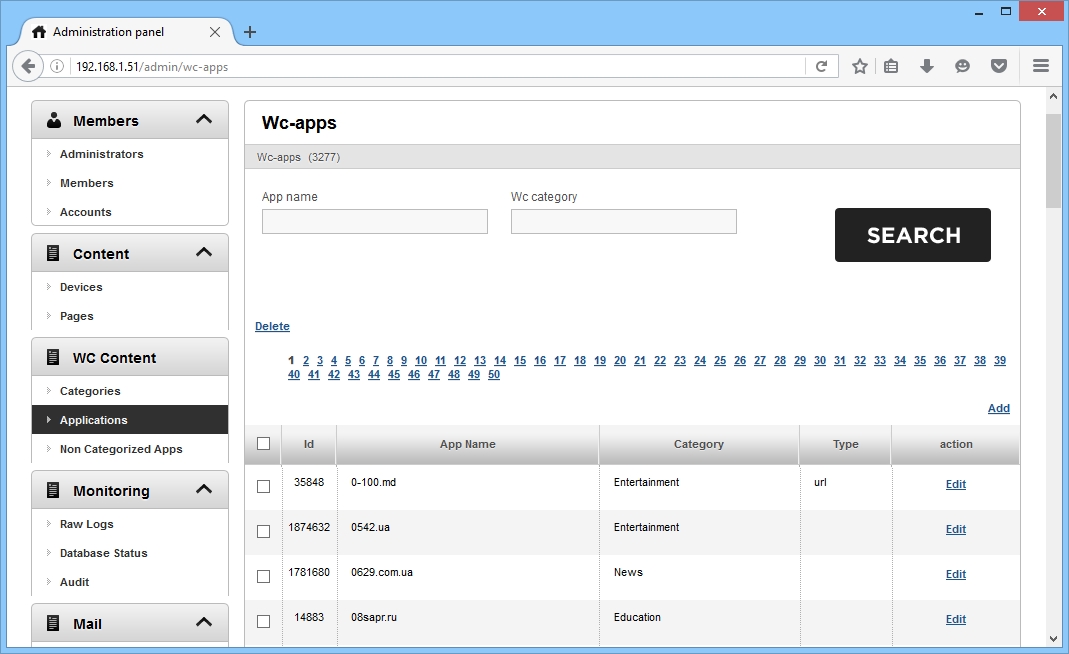
The Non-Categorized Apps page lists applications that are not yet assigned to any category.