
Manage application categories in StaffCounter: productivity guide
All applications and websites can be classified into categories. There are 7 default categories available.
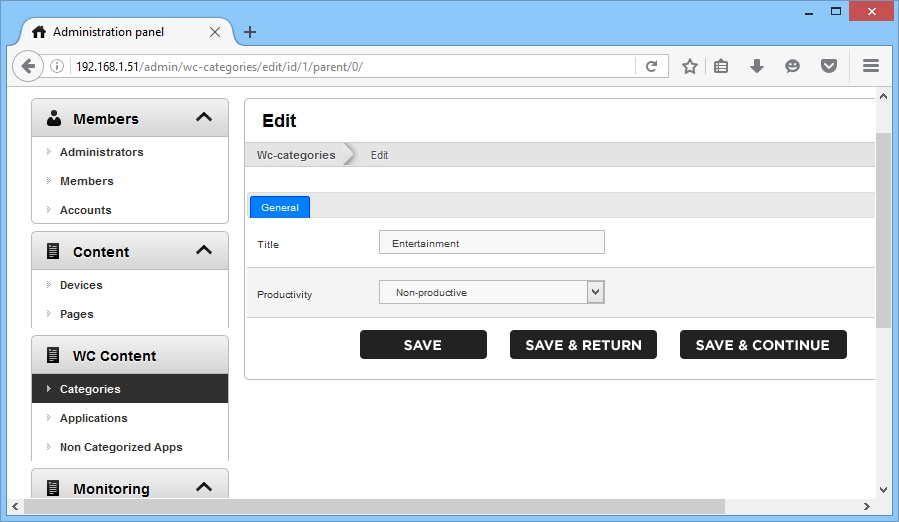
In the Categories section, you can add, edit, and delete application and website categories. To edit a category, navigate to the desired category and click Edit.
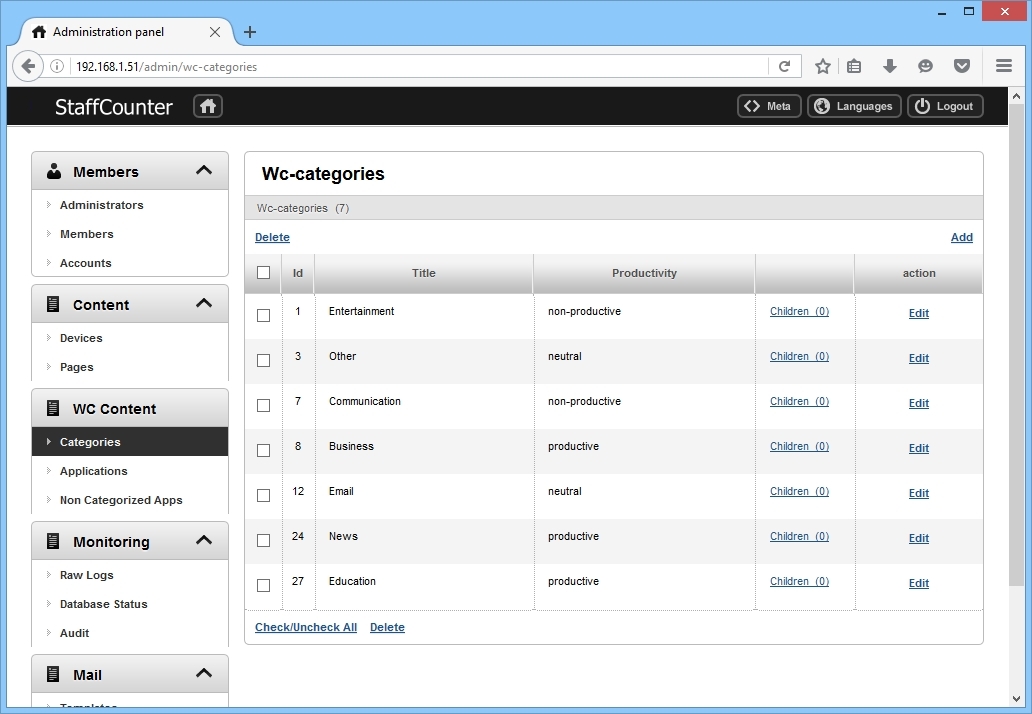
Specify the name and productivity rating for each category.
In the simplest configuration, you can maintain just two categories — business and entertainment. This will classify all applications and websites into these two groups.
Note: While users can customize program and website categorization for each department individually, default category values are also available.
