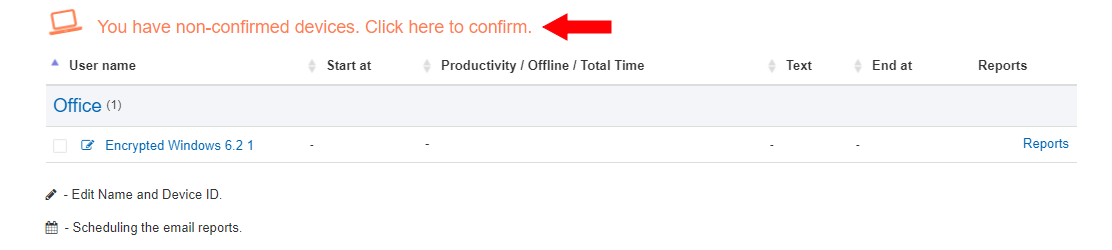
Important: Use Mozilla Firefox for Encryption Confirmation
Dear customers,
Please note a key technical requirement regarding end-to-end encryption (E2EE). Currently, the confirmation process for new encrypted devices is supported exclusively in Mozilla Firefox.
What you need to do:
- Connect a new device to your account that has encryption enabled.
- Log in to your dashboard at data.staffcounter.net using Mozilla Firefox.
- The system will automatically verify and confirm the encryption for the new device.
Once the confirmation is complete, you can go back to using any web browser of your choice to review monitoring logs and productivity data.